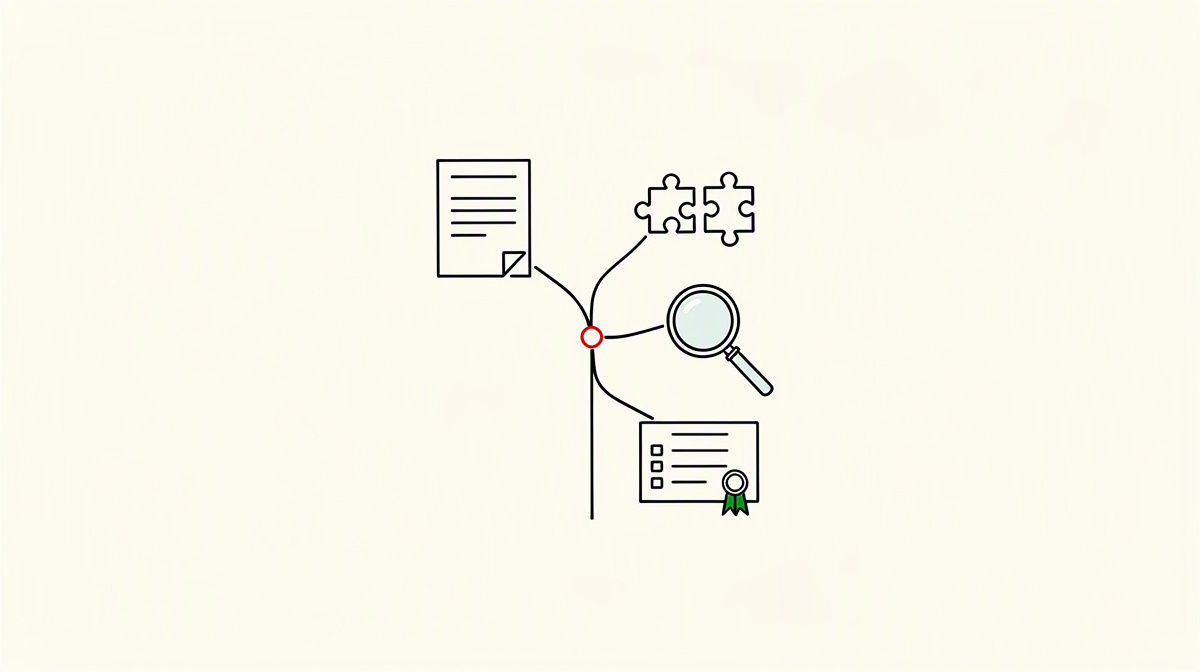
Merge conflicts are among the most common points of friction in Git, and anyone searching for “merge conflicts” usually wants two things: to resolve them quickly and to understand them properly. That is exactly where this article starts: with practical resolution and with the question of what a version history actually proves later on.
For engineering leads and developers, a conflict is not just a technical obstacle. It is a visible point of collaboration where changes, responsibilities and decisions come together.
That is why this article also looks at commits, branches and merge decisions: what can be reliably inferred from them, and what cannot?
If you want to explore further, you can find more on the free repo audit for developers, verification for companies, the Proof Engine methodology and pricing without a subscription.
What merge conflicts in Git actually are
A merge conflict arises when Git cannot automatically combine two development states. This happens when the same parts of a file have been changed differently, or when the structure of the changes collides. Git then cannot reliably determine which version is correct in technical terms.
An important distinction is this: not every piece of parallel work leads to a conflict. Many changes can be merged without any problem if they happen independently in different files or in separate parts of the same file.
Typical conflict cases include, for example:
- the same block of code was changed on both branches
- a file was renamed and edited further at the same time
- one side deletes a file while the other continues to develop it
- configuration files or lockfiles were changed in competing ways
In the code, Git marks these places with the familiar markers: <<<<<<<, ======= and >>>>>>>. These markers are not a solution, only an indication of the competing versions. A human has to make the content decision.
One point is central to understanding this: Git does not report a conflict because a change is wrong. A conflict only means that an automatic merge would be risky without contextual knowledge. So Git stops precisely where technical or domain judgement is required.
For engineering leads, recurring conflicts are often a signal. They may point to heavy parallel work in the same module, unclear ownership, or branches that diverge for too long.
Even so, one thing remains true: in active teams, merge conflicts are normal. They are not an automatic sign of poor practice, but often a consequence of genuine parallel development.
That is precisely why they are interesting in version history. They mark points where things were consciously integrated, discarded or combined. Anyone reading a history later should look particularly closely at these points.
Why merge conflicts arise – and what the history reveals about them
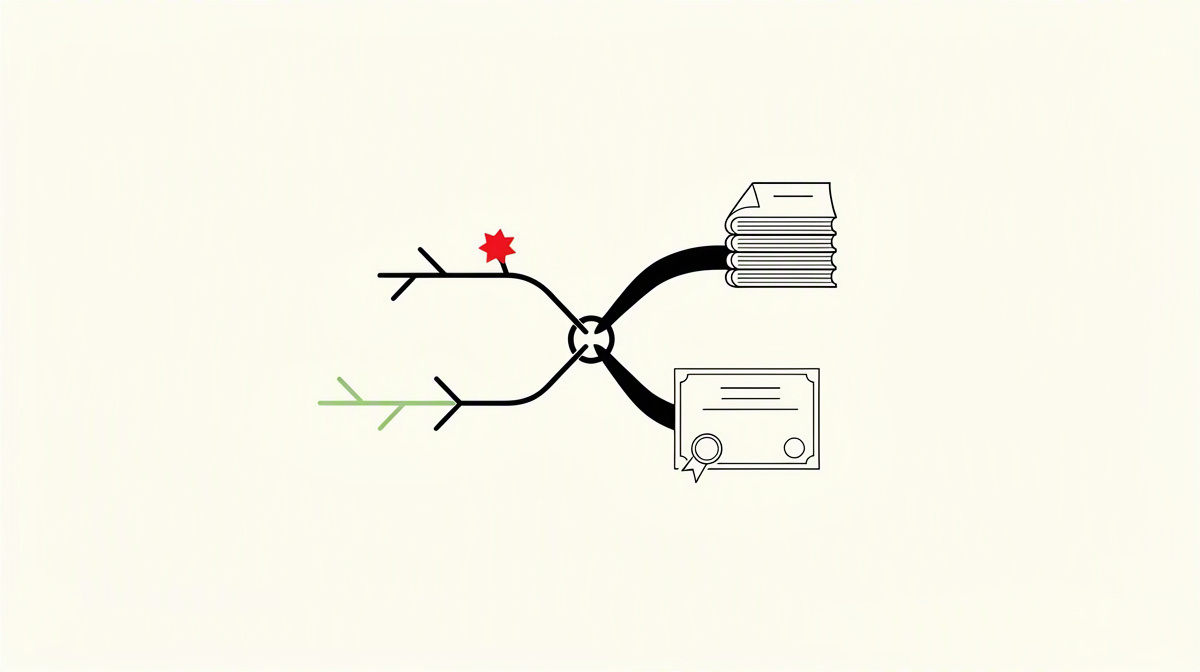
Merge conflicts rarely happen by chance. In most cases, they have clear causes in the way collaboration is organised.
These patterns are common:
- branches remain separate from the main line for too long
- several people change the same place in parallel
- large bulk commits bundle many changes without clean intermediate steps
- integration happens late
- the team lacks ongoing coordination about affected modules or files
The longer a branch diverges, the greater the difference at merge time. That is exactly why small changes integrated frequently defuse many conflicts in advance. When the distance from the main line stays short, Git has fewer contradictory changes to reconcile.
The structure of the code also plays a part. Tightly coupled files create overlaps more quickly than clearly separated components. Central configurations and lockfiles are also typical conflict zones. Then there are broad refactorings: if you change many file names, interfaces or shared building blocks at the same time, you increase the likelihood that other work will run into exactly those areas.
For engineering leads, it is not only interesting that a conflict occurred. Git history often also shows how it was handled. Are merges small and comprehensible? Is it clear why something was combined or discarded? Are there tests that safeguard the integration? Or does a large, hard-to-read block of changes appear shortly before the merge?
Even so, history has limits. Commits and merges alone do not allow reliable conclusions about code quality or team behaviour. They document changes and integration points, but not every background detail, every discussion or every technical judgement.
A simple example: a clearly named commit, an understandable merge and consistent tests usually say more than an opaque bulk import just before integration. If you want to read version history as evidence, you look at the trail in Git itself, not at claims on a CV.
This is exactly where history becomes central. In Stage A, Acquispect analyses the .git history forensically: who authored commits, whether code was dumped in blocks, and an Impact Score.
Resolving merge conflicts cleanly: a practical process
Anyone searching for “merge conflicts” usually wants one thing above all: a process that is not only quick, but clean. That is exactly the point here. The aim is not merely to remove the markers. The aim is to produce the technically correct version.
A practical process looks like this:
- fetch the current state
- identify the files affected by conflicts
- review each conflict location individually in terms of content
- produce the appropriate combination of changes
- test locally
- only then complete the merge
The order matters. If you hurriedly click conflicts away in bulk, you quickly lose track. A file-by-file approach is better. That keeps it understandable which decision was made where, and why.
A simple principle helps here: in many conflicts, both sides contain justified changes. Clean resolution therefore often does not mean taking one side in full, but deliberately combining the logic. That may mean a merged condition, an extended configuration, or the decision to combine a rename correctly with a content change.
Typical mistakes happen here in particular:
- relevant logic is removed by accident
- imports are not reassessed after the resolution
- configurations or lockfiles are accepted blindly
- tests are not adjusted or checked again
- the merge commit is left without understandable context
That is why tests do not belong at the end in the sense of “if there is still time”, but are part of the conflict resolution itself. After resolving, you need to check whether the result is functionally consistent. A conflict-free state in Git is not yet reliable evidence that the merged behaviour is correct.
Within a team, it makes sense to have conflicts resolved as far as possible by the people who really understand the affected code or the technical decision. Not every conflict is difficult, but many are about content, not just syntax.
For anyone reading the history later, one more thing is crucial: a clean resolution is often shown less by the fact that a conflict existed, and more by whether the decision taken remains understandable as the work continues.
What a Git history proves – and how it becomes a verifiable verdict
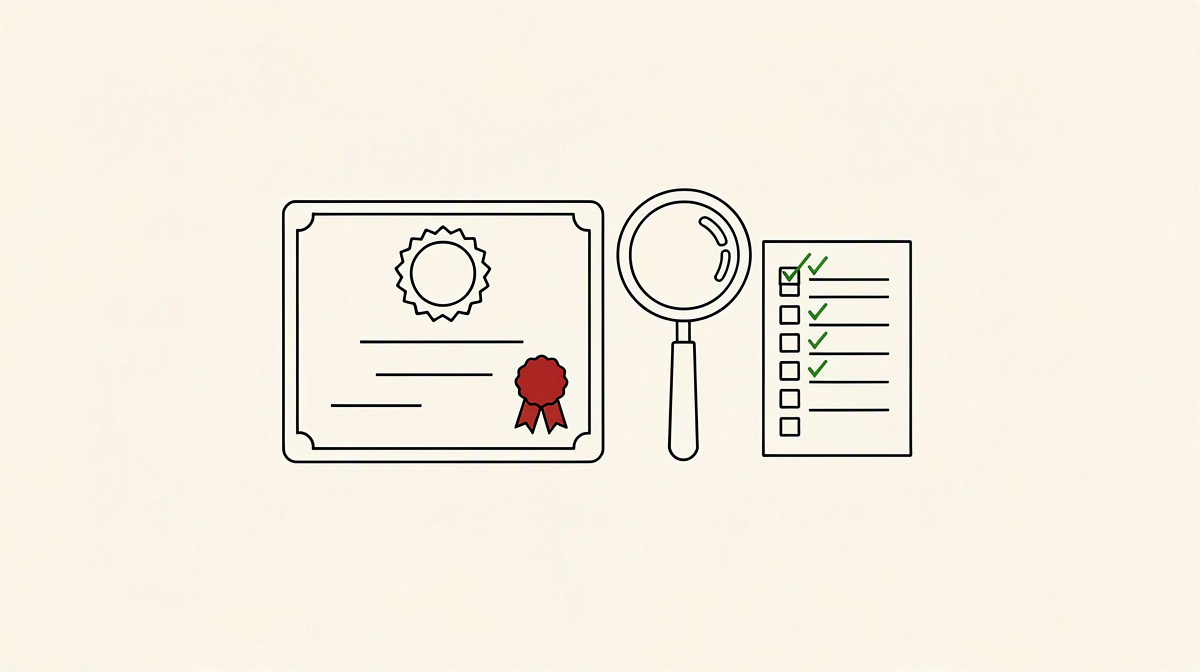
A Git history can prove more than is often assumed. For example, the following are usually clearly visible:
- the order of changes
- involvement in commits
- integration points between branches
- technical or domain-related areas of focus
- whether work emerges step by step and iteratively or appears as one large dump
For hiring and technical assessment, this matters because it is not claims about experience or quality that are evaluated first, but actual traces of work. A repository history does not show everything, but it does show what was changed when, what was integrated, and what was carried forward in a traceable way.
Even so, even a good history is not absolute proof of every ability. It provides strong context, but does not replace every further assessment. That is exactly why the result remains a verdict with a Confidence Score rather than final certainty.
This is where Acquispect’s third stage comes in: a panel of five AI expert personas — Tech Lead, Security, Performance, Architect and Craftsman — reads the same repository trail from different angles and reaches a consensus verdict with a Confidence Score.
The benefit of this multi-perspective view is obvious. The history is not only read for whether changes appear functionally plausible. It is also examined for
- which security aspects become visible
- how architectural decisions can be recognised
- whether performance issues stand out
- how carefully the craft appears throughout the work
This verdict is recorded as a W3C Verifiable Credential via did:web in the developer’s wallet. The credential belongs to the developer.
During verification, a company sees the verdict rather than the raw data. It can also read the full audit log that explains the decision. That turns a Git history from a mere gut feeling into a verifiable, selectively verifiable result.
Questions readers often ask about this
Are merge conflicts a sign of poor collaboration?
Not automatically. Merge conflicts often simply arise where work happens in parallel. In active codebases, that is normal.
They only become noticeable when patterns repeat, for example:
- the same files keep colliding
- branches diverge for a long time
- ownership remains unclear
- integration regularly happens very late
Then the conflict says less about individual developers than about the workflow around the code.
Is a conflict resolved as soon as Git no longer shows markers?
No. If Git no longer shows markers, only the visible conflict text has been removed. That does not yet prove that the merge is correct in technical or domain terms.
What matters afterwards is:
- does the logic still fit together?
- are configuration, imports and dependencies still consistent?
- do tests cover the result in a meaningful way?
- does the decision remain understandable in the course of the history?
So a marker-free merge is an intermediate state, not automatically a good solution.
What can you really infer from Git history after a merge conflict?
What you can read above all are traces of integration: who was involved in commits, when things were merged, whether changes appear in small steps or in a block, and how understandable the transitions around the merge are.
What you cannot infer with certainty, by contrast, is every background detail. A history shows changes, but not every discussion, every domain trade-off or the whole quality of a developer.
Even so, it is valuable precisely after conflicts because it contains visible decision points.
How does Acquispect fit into this topic?
Acquispect reads exactly these repository traces instead of a CV. In Stage A, the .git history is analysed forensically: who authored commits, whether code was dumped in blocks, and an Impact Score. In Stage B, a Safety Check examines leaked secrets, known vulnerabilities in dependencies, test coverage and the tech stack. In Stage C, a panel of five AI expert personas — tech lead, security, performance, architect, craftsman — reaches a consensus verdict with a Confidence Score.
This verdict is sealed as a W3C Verifiable Credential via did:web in the developer’s wallet. During verification, a company sees the verdict rather than the raw data and can read the full audit log.
Conclusion: conflicts are not the problem, blind resolution is
Merge conflicts are not a breakdown in the work, but a normal effect of parallel development. The decisive point is not whether they occur, but whether their resolution stands up technically and remains understandable over time.
This becomes more reliable above all when Git practice and history align:
- small, understandable changes
- clear integration steps
- decisions that can be checked later
So if you want to know what a version history really proves, you should not look only at the end state in the repository. The trail leading there matters too: commits, merges, breaks, corrections and visible integration decisions.
That is exactly where Acquispect comes in. Instead of putting claims about abilities at the centre, it examines the actual repository work. The result is a verifiable verdict with a Confidence Score based on the Git history and the visible traces of work.